With the permission of CE (without asci characters), here is the copy and paste of a message on CPCWiki about repairing an Amstrad NC200 with a lot of photos. Thanks CE.
I want also to thank all the writers and readers of the Amstrad forums I go (CPCwiki, CPCRUlez, Amstrad.ES, Amstrad.EU, etc...), Youtube users for their videos, those who write programs for our beloved Amstrad computers, or who make hardware for them. Without you all this site wouldnt exist (or would be really empty). Thank you all for making Amstrad computers still live more than 30 years after the CPC was created.
Below you can see the computer when I received it. It seems that in 1997 it was brought to some sort of technical service because the space bar was not working anymore. In there, they said that it was not possible to repair it and the NC200 went back to its owner. It was probably laying around since then, until they decided to get rid of it. I know that many of these machines were actually not used very often, but this is not the case. Whoever had it first worked with the laptop a lot: you can see marks here and there and a few shiny keys.
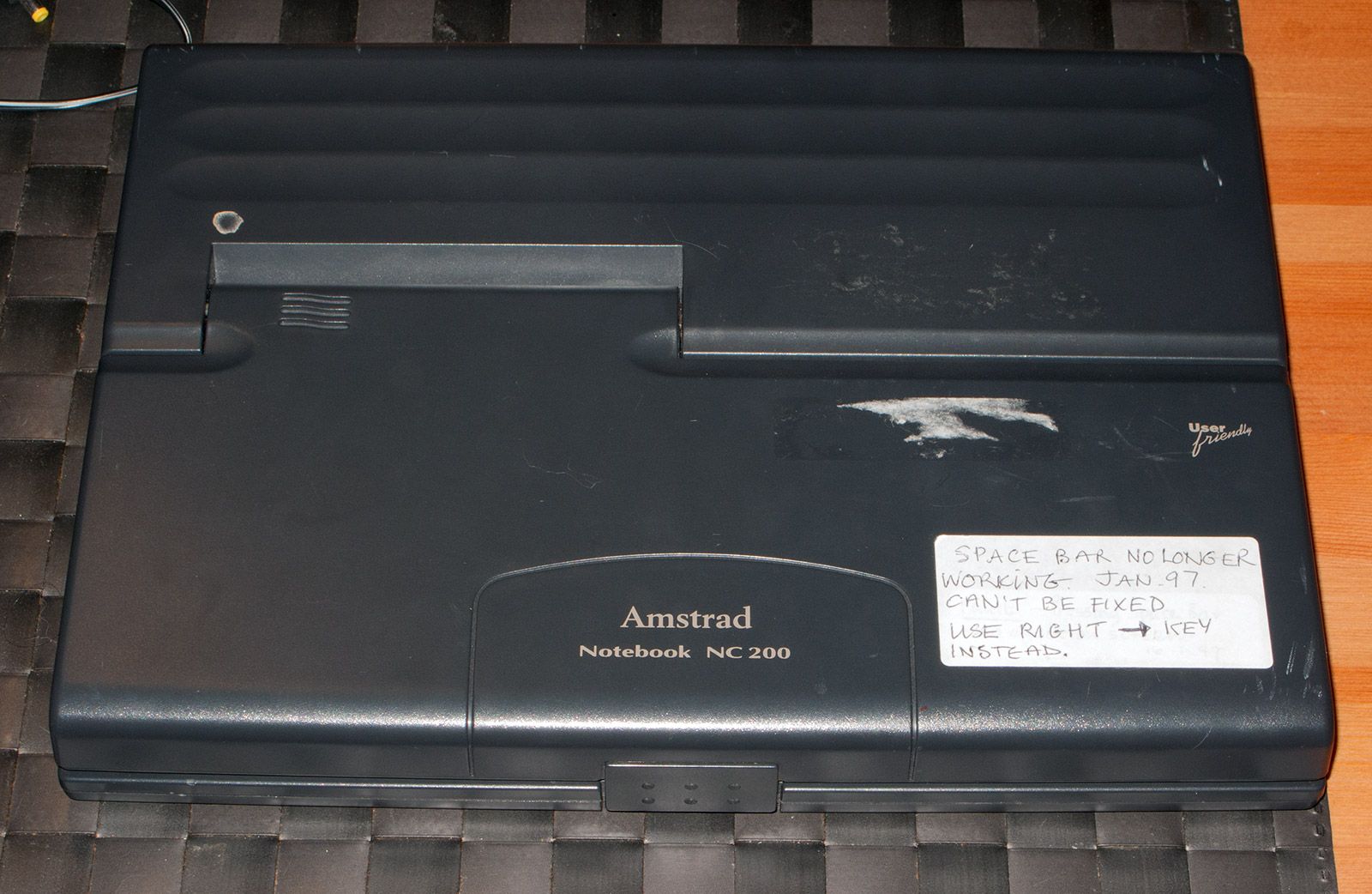
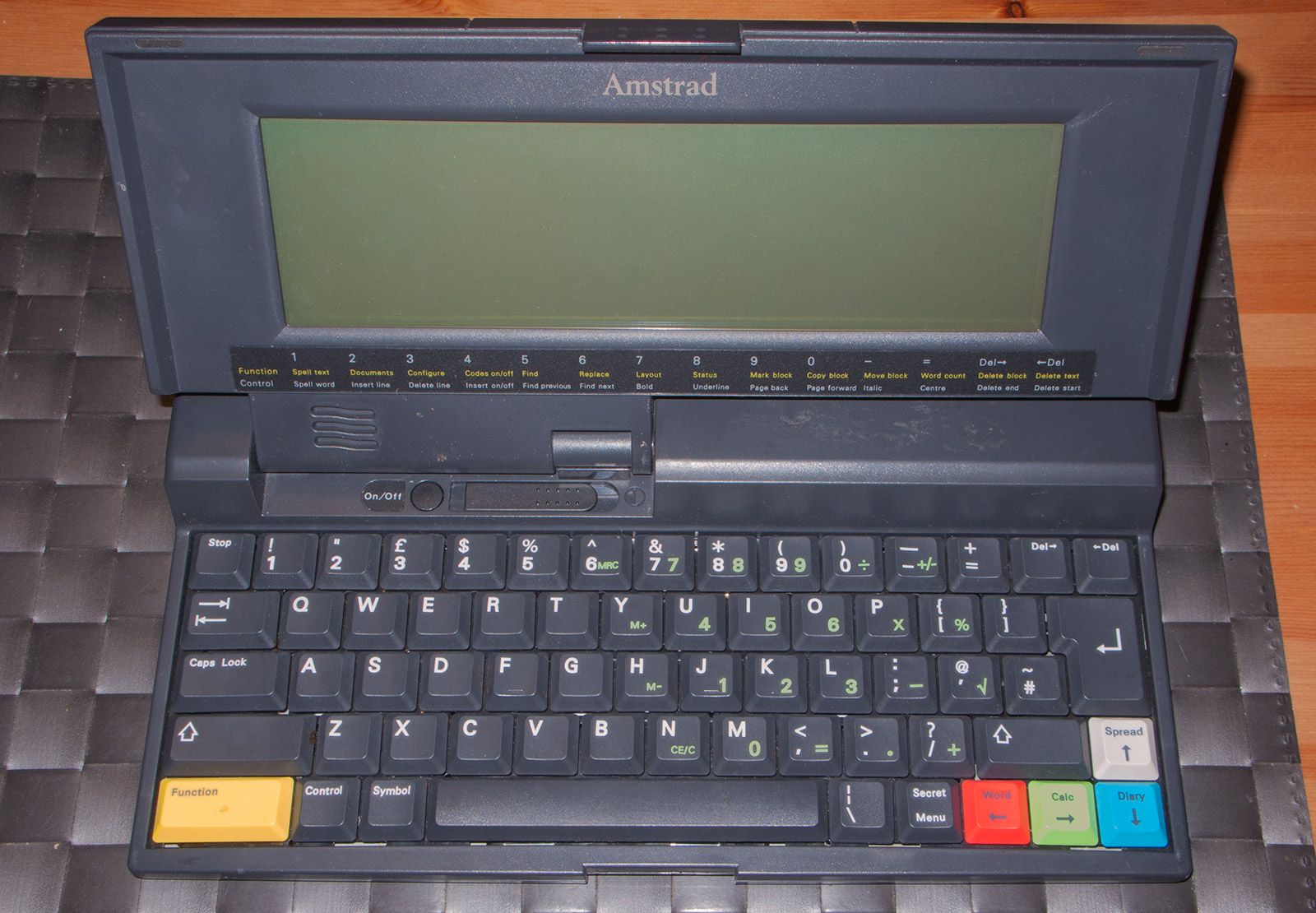
The first thing I did was to power it on and check that, as the seller said, the keyboard was actually not working properly. The display was fine besides the backlight, that turned out to be extremely dim. There was also a decent layer of crap covering it.
The second thing was to disassemble the machine. It is quite easy. You have 5 screws on the bottom and a few clips on the keyboard region. Take the screws first and then lift the case a little bit in a careful way. The clips from the keyboard can be released introducing a little plastic sheet in the gap between the two shells and moving it around, or even with your fingers. In any case, be careful not to damage the case around the keyboard, this computer had been opened in the past in a very clumsy way and there was already a small crack that I had to repair with epoxy resin (more of this at the end). You can see four of the five screws to be removed in the next image. The last one is inside the battery compartment. They have different sizes, remember their original position.
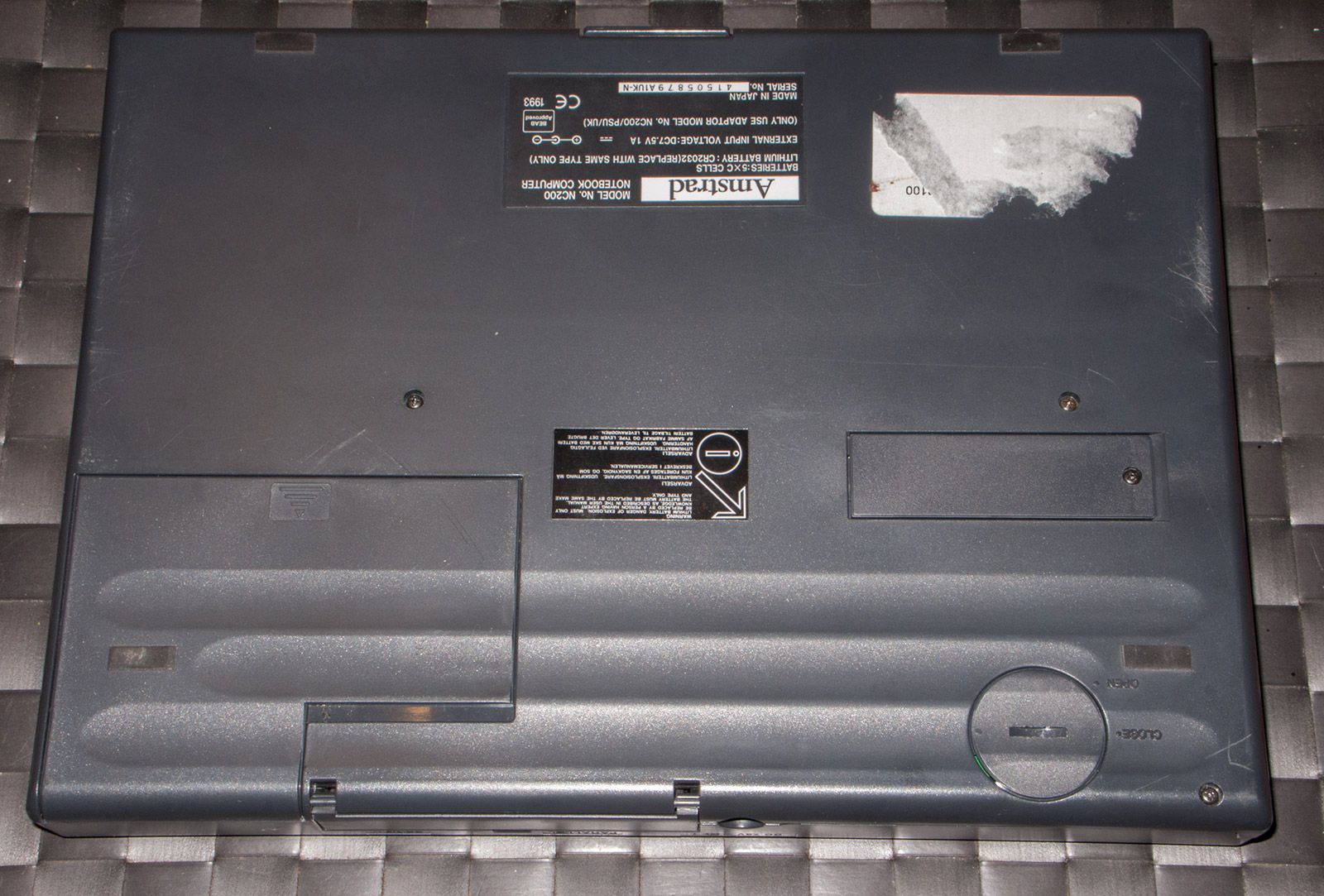
Once you remove the upper part of the case you have to disconnect the cables that go to the screen. Be careful, the white one is short.
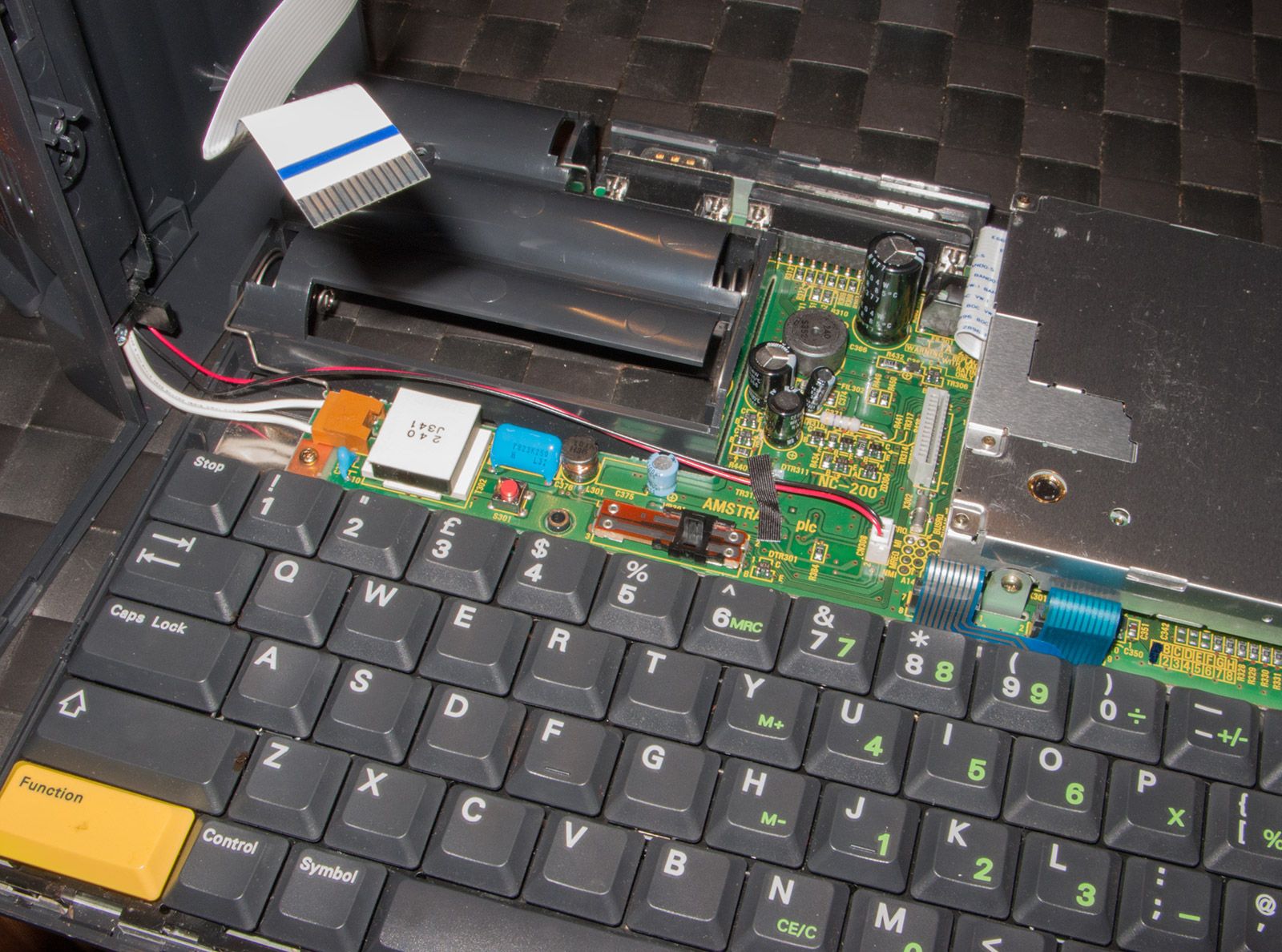
It is time to take out the floppy drive, the motherboard and the keyboard. There are a few screws holding everything in place.
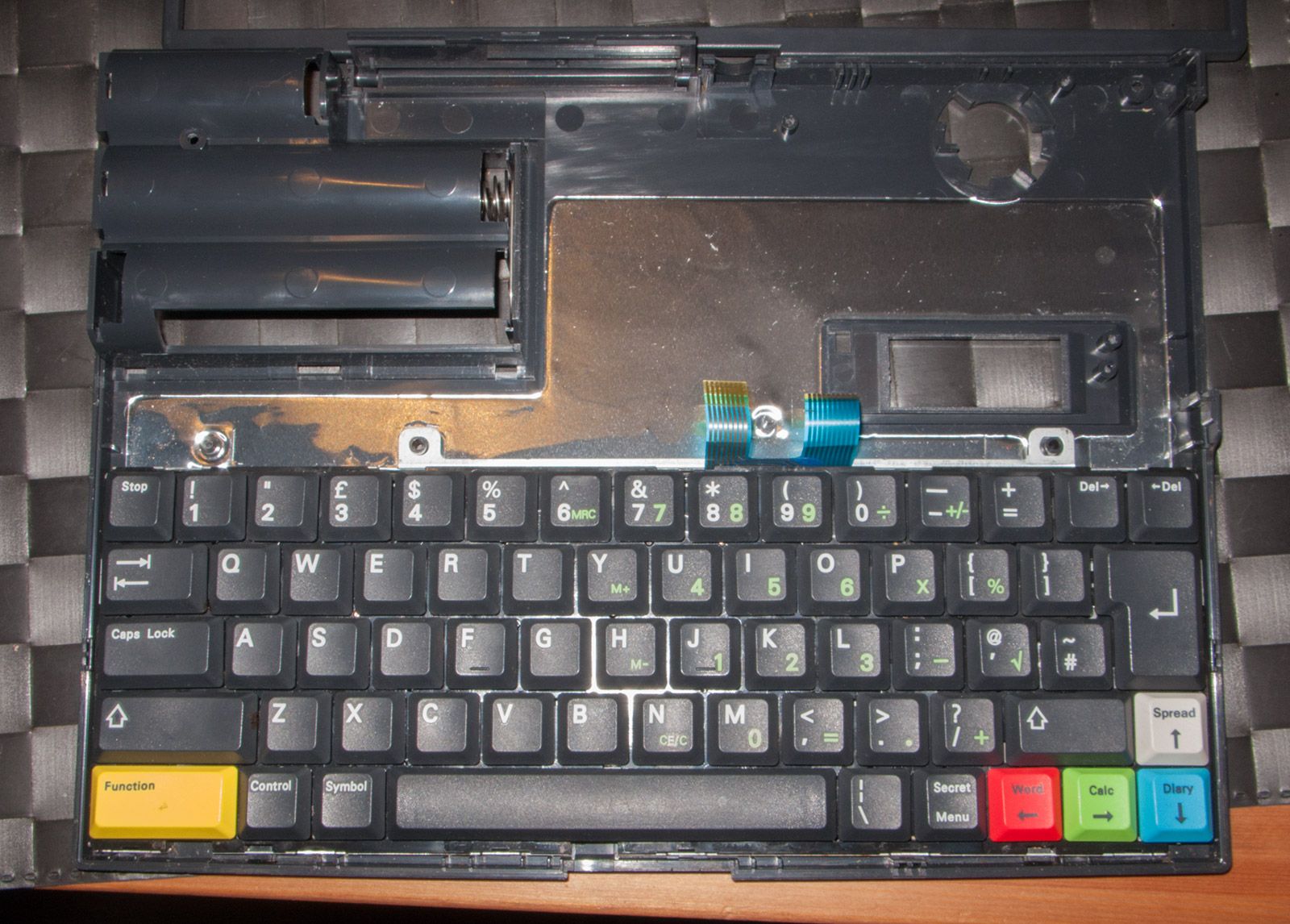
The external structure of the keyboard is similar to the one found in many other Amstrad. To open it you need to remove 3 screws and release a few clips.
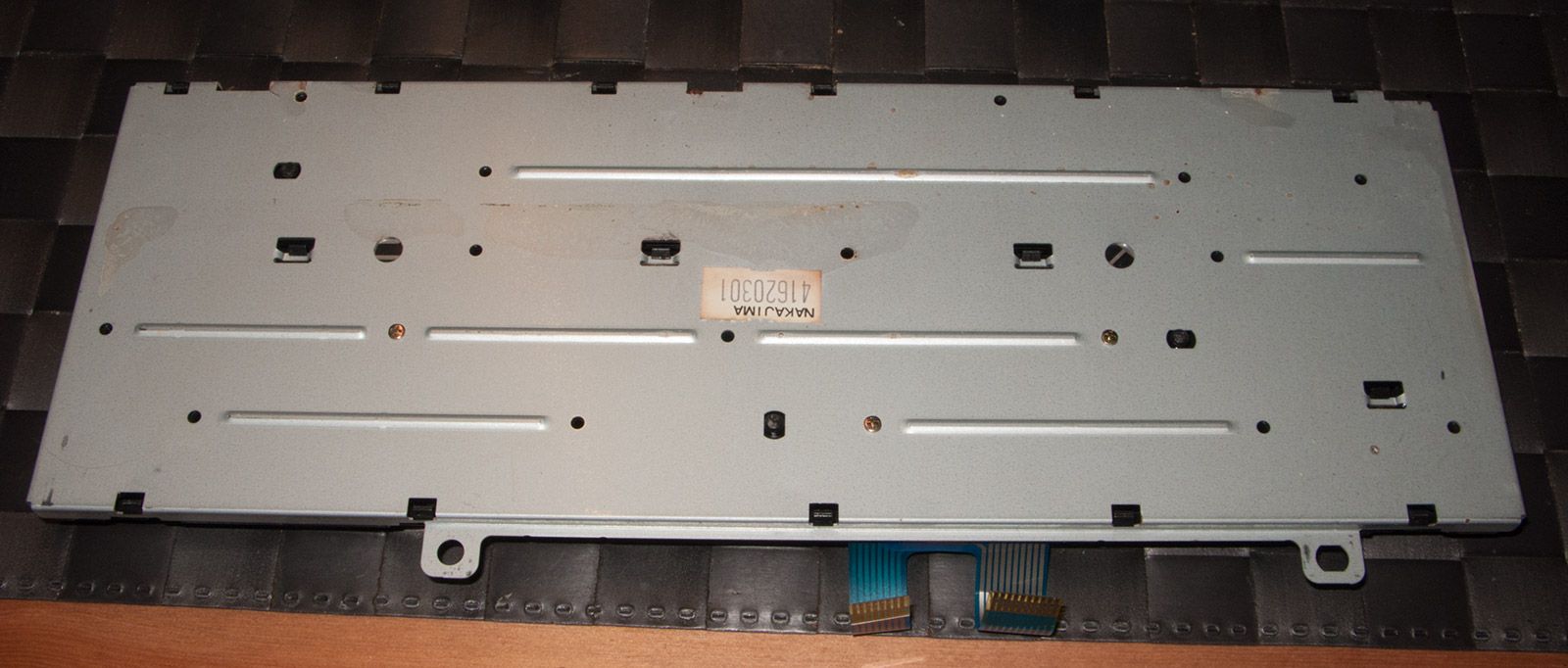
In my case the membrane was extremely dirty. It seems that some liquid fell onto the keyboard in the past and entered between the two layers sticking them together. I used isopropanol to dissolve the crap and give it a good clean. Luckily, the solvent did not affect the fused plastic that joins the two layers, otherwise it would have been necessary to re-glue them. It seems obvious but when you see that two layers of a membrane are stuck by something that dried between them you should never try to separate them by pulling. There is very decent chance to damage the tracks.
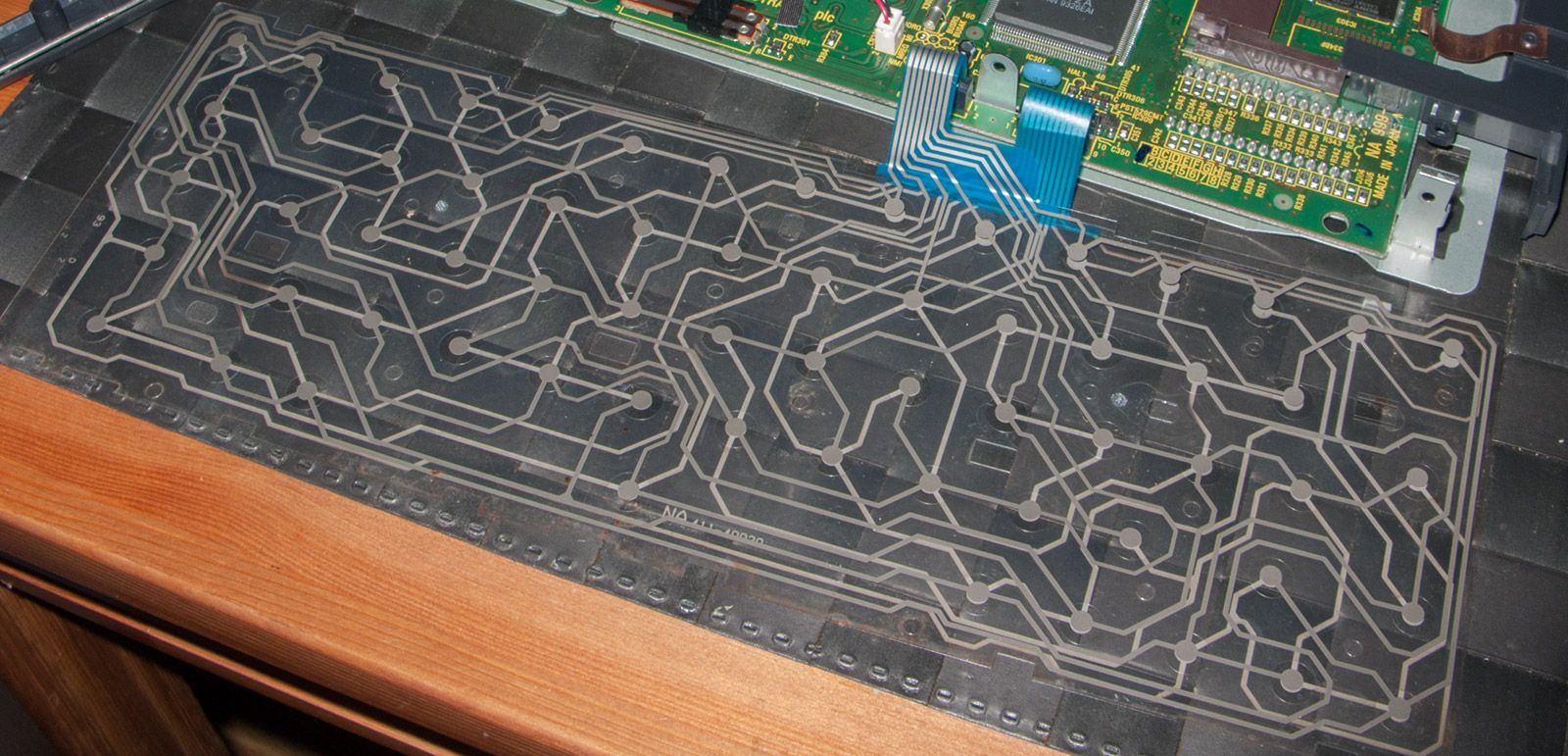
Below is how it looks after the cleaning. Some of the silver is darker because there was some oxidation going on, but this does not affect conductivity or makes the tracks more prone to break. The oxide layer is extremely thin. In case of broken or corroded tracks it would have been necessary to reconstruct them with silver paint. This can happen if acid liquids, like orange juice, are spilled on the machine.
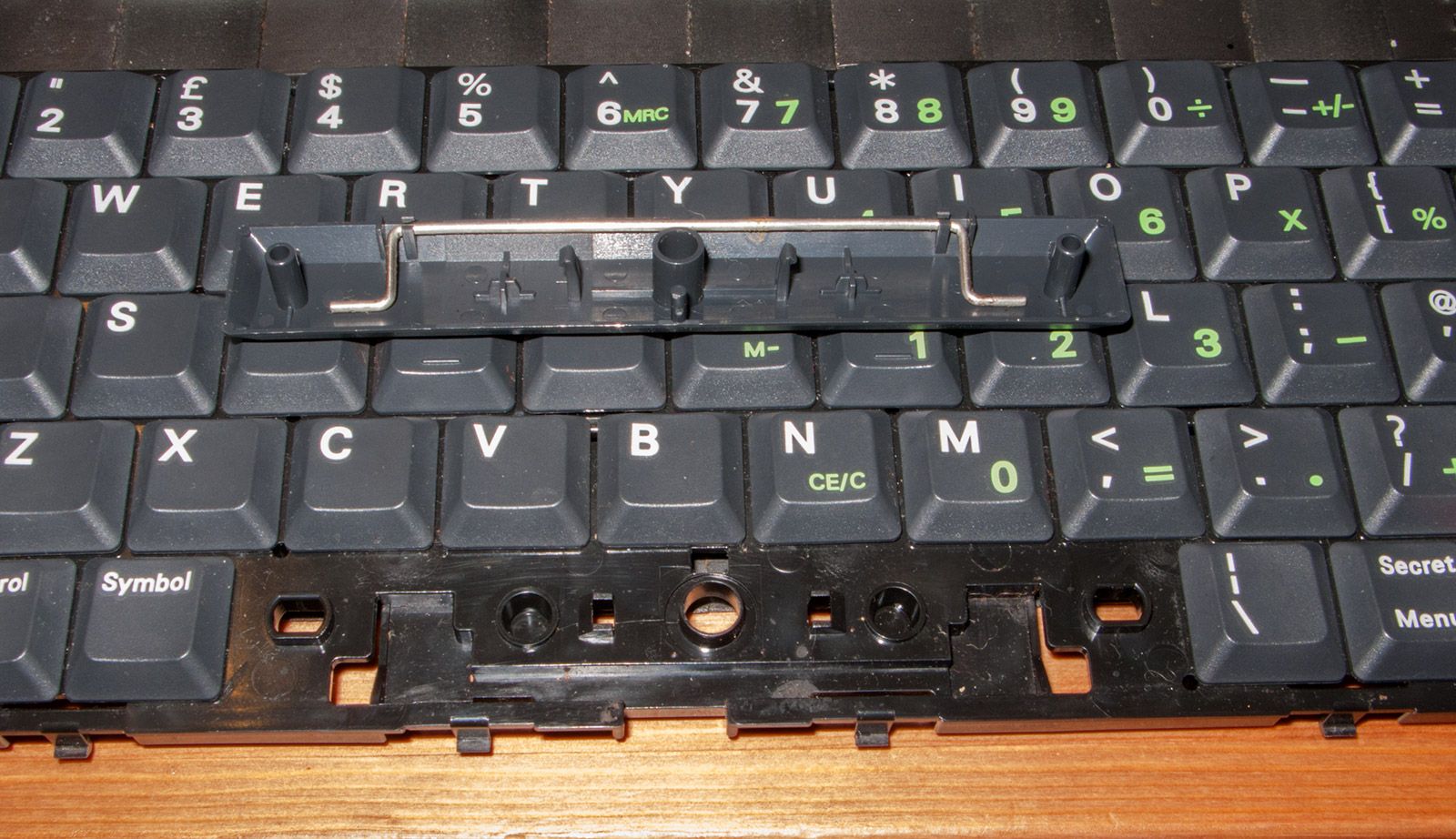
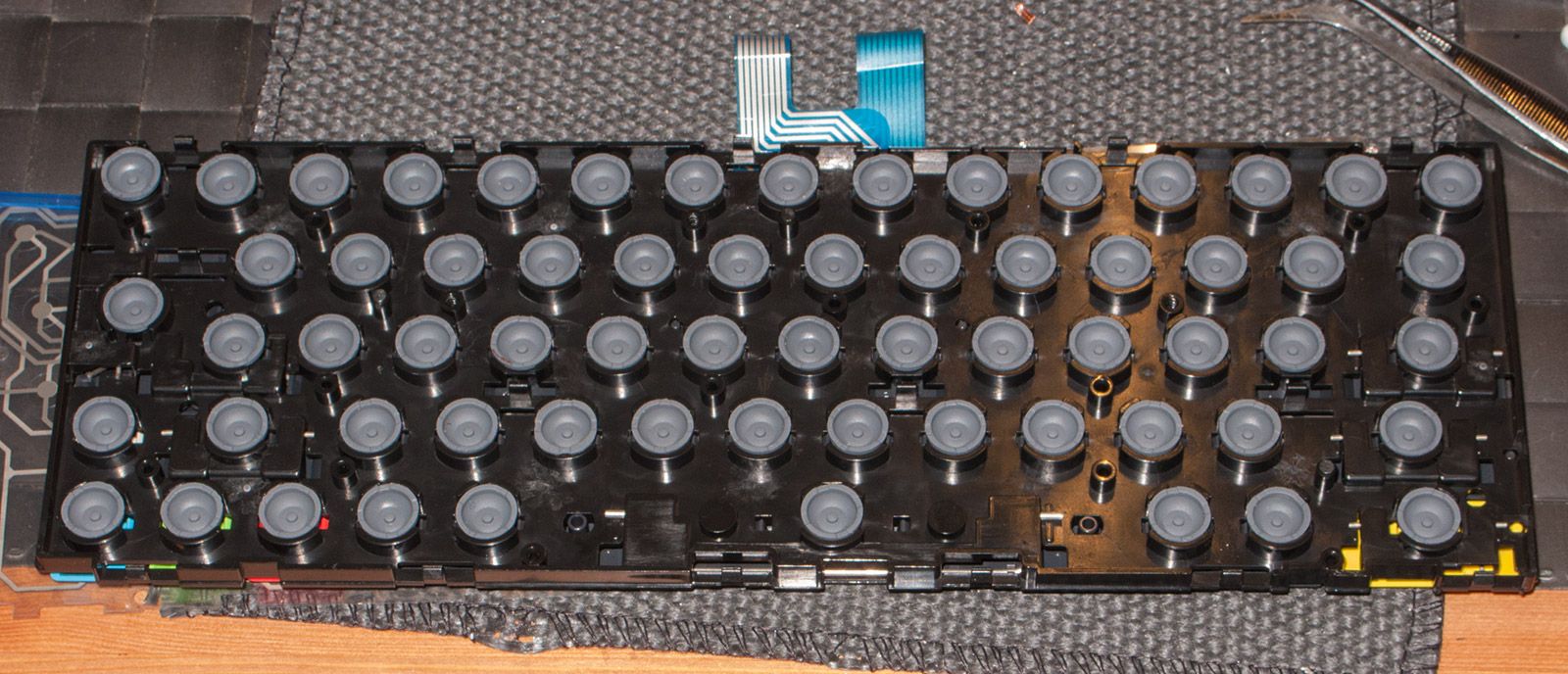
Now onto the keyboard itself. There was nothing important here. The only thing that was out of place was the clip that makes the SPACE bar to go down uniformly when you press it. I put it back in place and cleaned the keyboard with lots of KH7 and water. Everything is made of plastic besides the metal clips, so no worries about oxidation. After cleaning you just need to manually dry the clips and let the rest dry by itself. If you do not dry them it is fine too, but I like to do it.
Time to reassemble the keyboard. We do not have nice springs, like in the CPC range, but rubber domes with the same function. I do not like this solution because it changes the keyboard feeling and the domes look a bit on the fragile side, but I must say that they are still in perfect condition. Maybe Amstrad engineers were not so wrong after all.
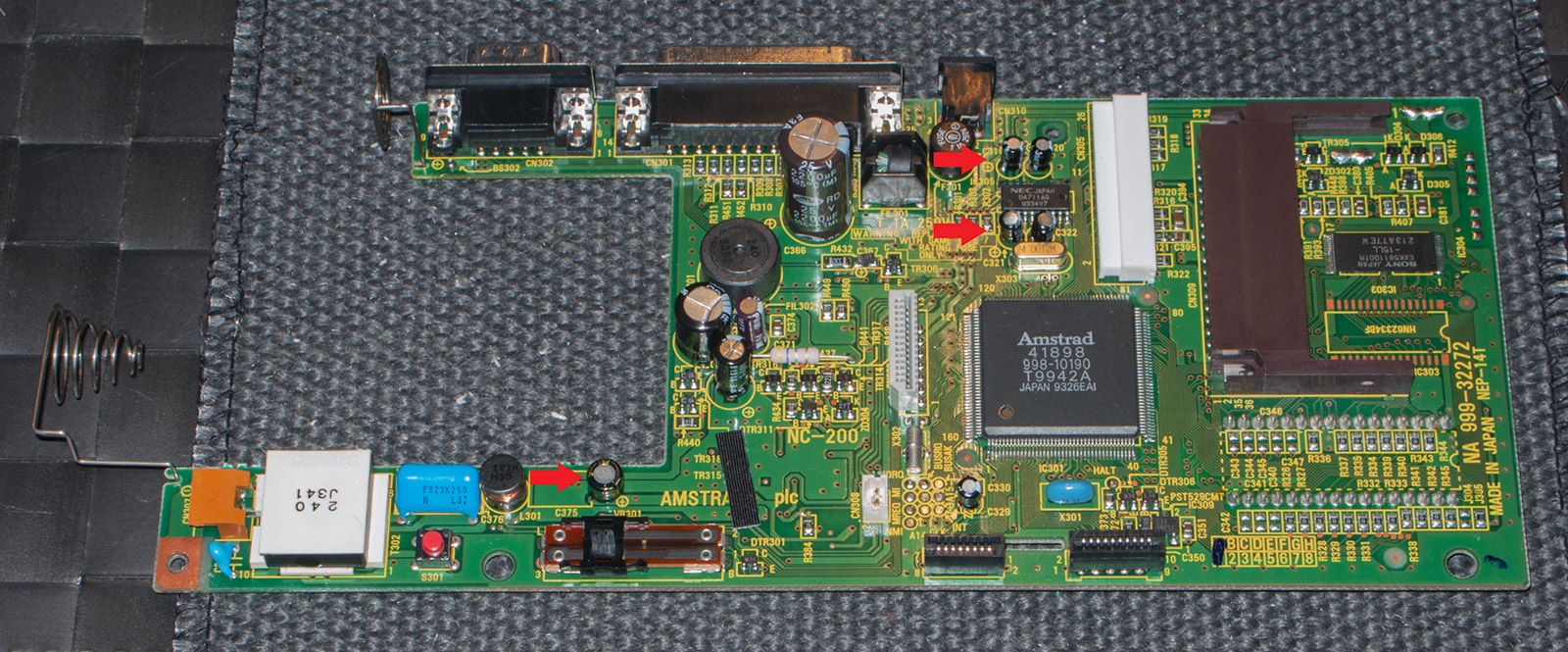
The next thing was the backlight. The NC200 is reported to have a bright backlight that, in my case, was extremely dim. I asked Bryce about the backlight on his unit but, before he could check, I decided to replace the caps in the board and the light came back clear and strong. It seems that one or more of them went bad over time and this was giving the circuit a hard time. Replacing the caps is easy and their values completely common (sorry, I trashed the note where I wrote them). It should be a relatively simple task if you have some soldering skills but there is a very important thing to remember: some of them NEED to be low profile. Look at the picture below, it is the mainboard with the new caps. THE ONES MARKED WITH RED ARROWS NEED TO BE SHORT, otherwise you will not be able to re-install the floppy drive or close the case.
Finally, onto the floppy drive. It is a very special model (Citizen V1DC-65B) or, at least, this is the first time I come across it. When I tried to format a floppy in the hope that it would work I found that it was not OK. Sometimes it was able to read something but most of the time you could hear the motor making noises and struggling with the old belt. Therefore, I opened it to see if it was possible to install a new one.
The first thing is to unscrew the upper shield to have access to the guts. It is not necessary to remove the frontal plastic bezel at all for this.
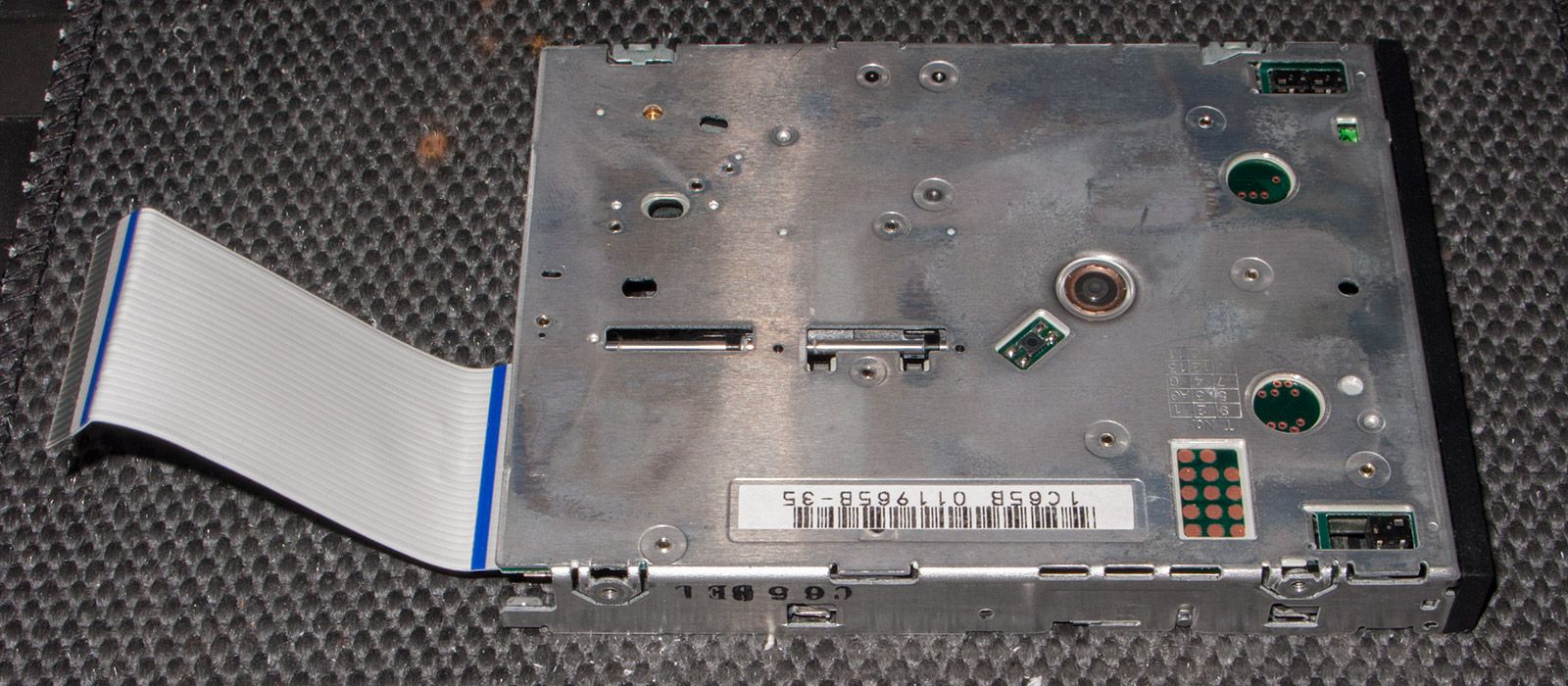
The second thing you need to do is to lift the head of the drive and remove the floppy support. It is very easy, just pull it back a little bit and it will come out. The springs that keep the floppy in place are also part of a mechanism that allow easy removal of the whole support. Funnily enough, the drive has a LED but you cannot see it when the machine is working because there is no hole in the bezel. It is very important not to forget to lift the head (not yours, the black plastic thing in the middle of the drive). Otherwise you could easily damage it and it is very delicate.
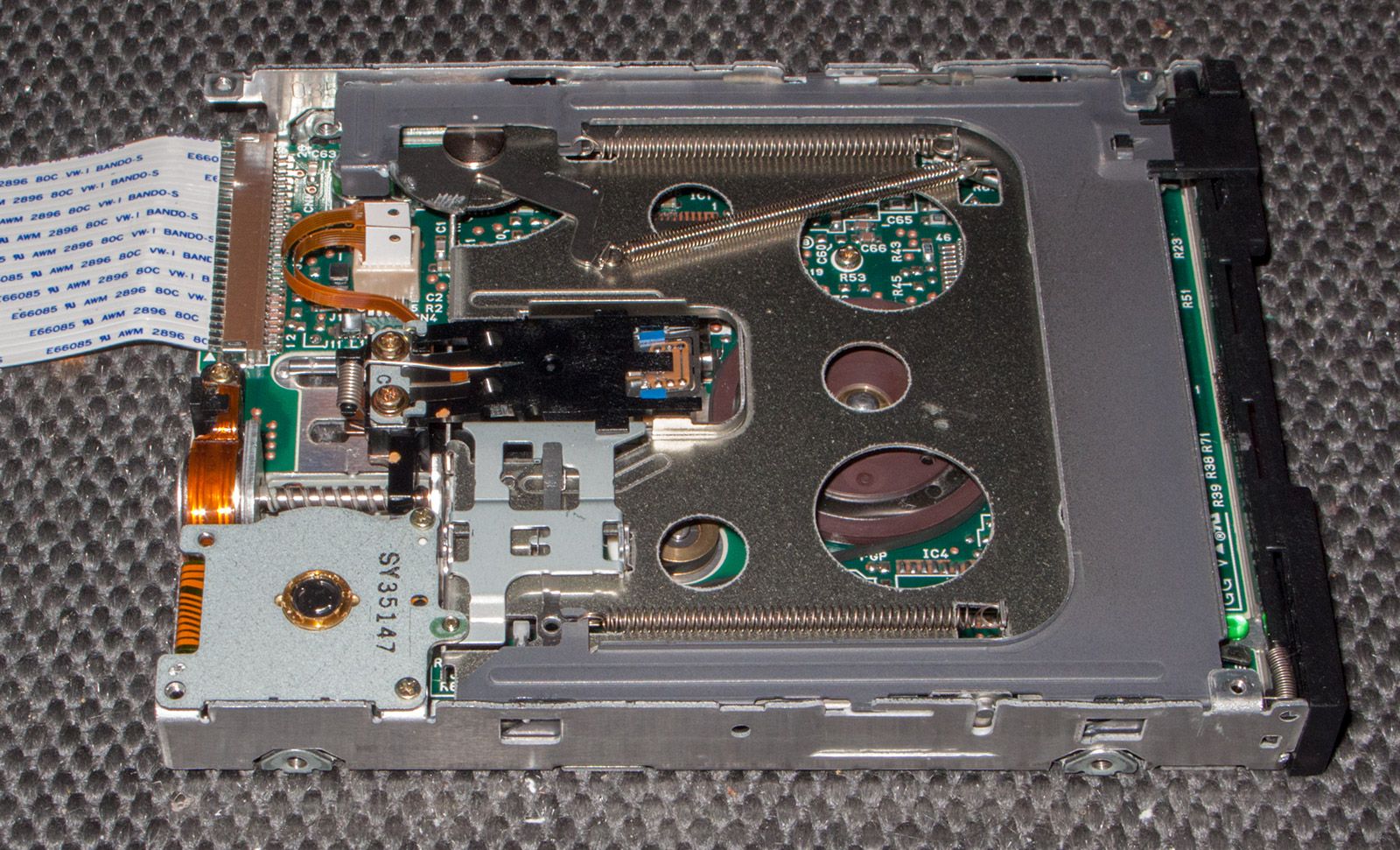
And here is the inner part of the drive once you remove the screws of the motor. The belt was in pretty bad condition and not elastic anymore.
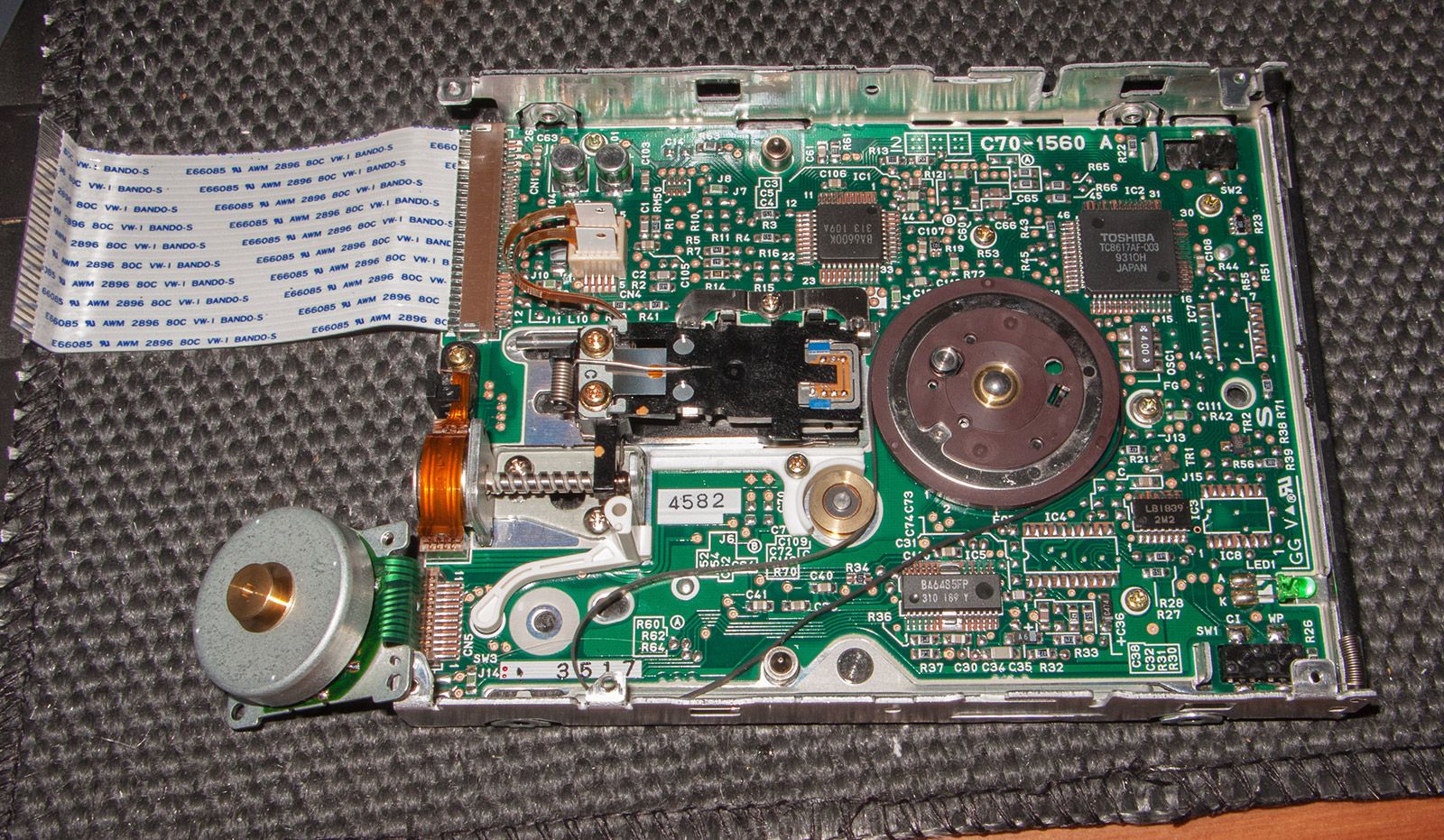
The belt needs to be 2 mm wide, otherwise it will not fit into the grooves of the guide bushings. There is more tolerance with the thickness. The original is 2 mm wide and something like 0.5 mm thick, but the substitution belt is 2 mm wide and 2 mm thick. Regarding the diameter, something around 70 mm should work. You do not want it much smaller because then it would be necessary to overstretch the rubber and that would not be good. Luckily, although the new belt is thicker it does not touch anything in the board.
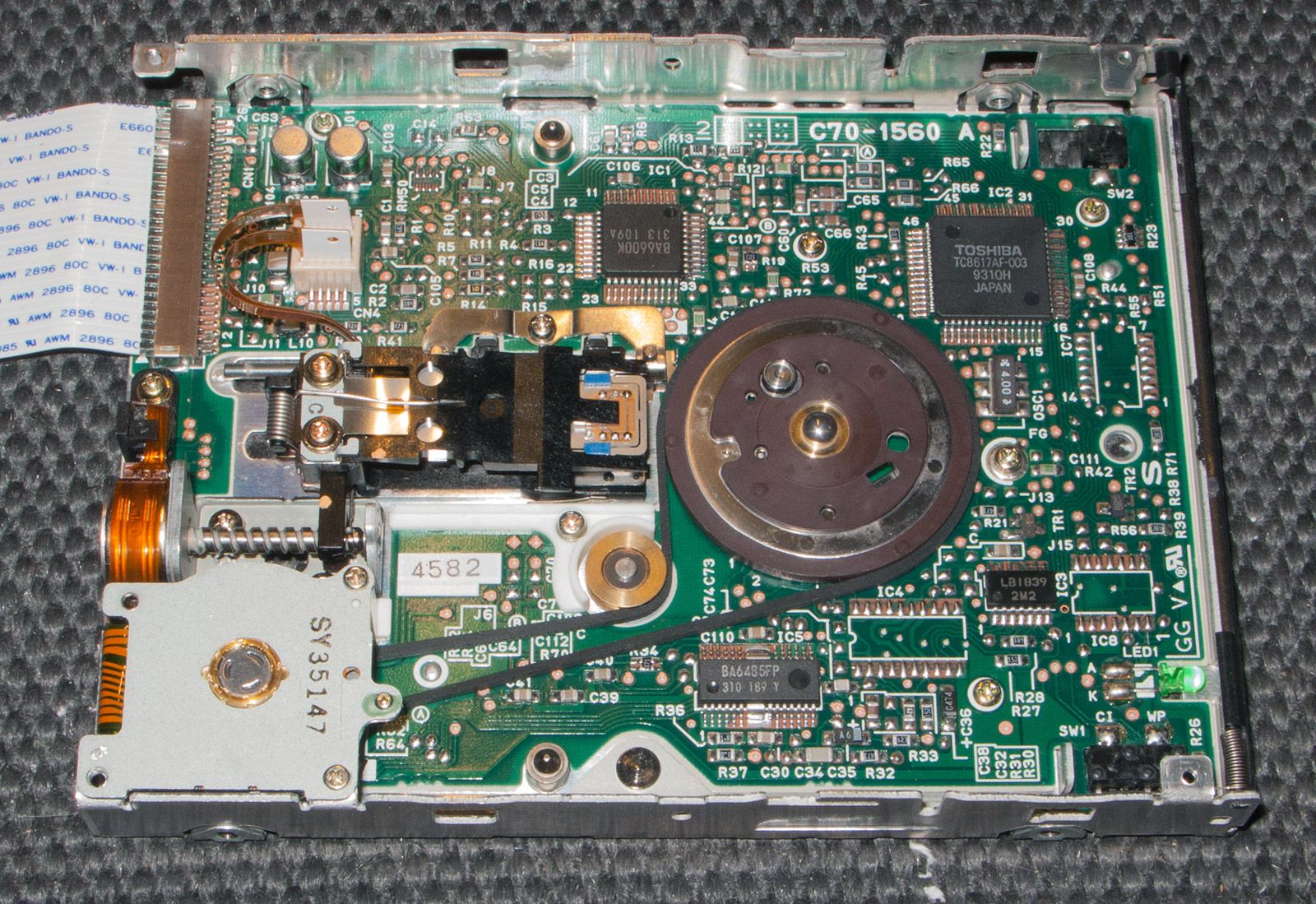
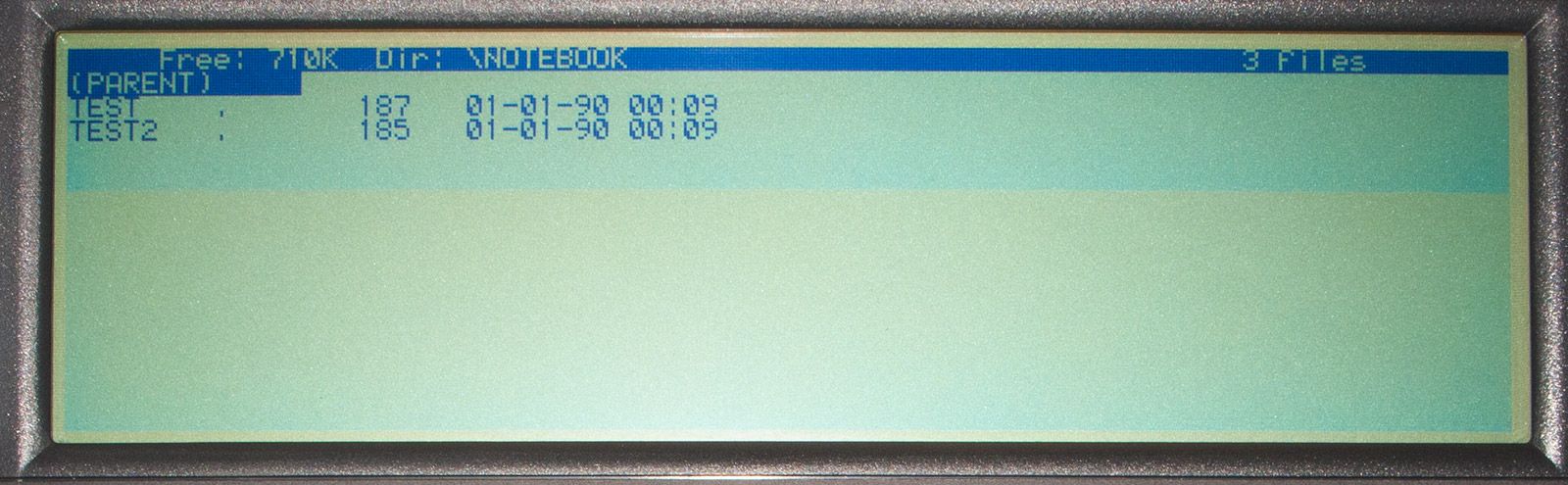
To assemble the drive you need to follow the same steps but in reverse order. Remember to lift the head to put back the floppy support! Once it was ready I formatted a few discs, saved several files and loaded them back. Everything was fine.
The next step was to detail the plastic case a little bit and reassemble the NC200. Then I did some more testing before closing the machine for real. Before you do this remember to align the slider that adjusts the contrast with the variable resistor on the board, otherwise you may have to open it again.
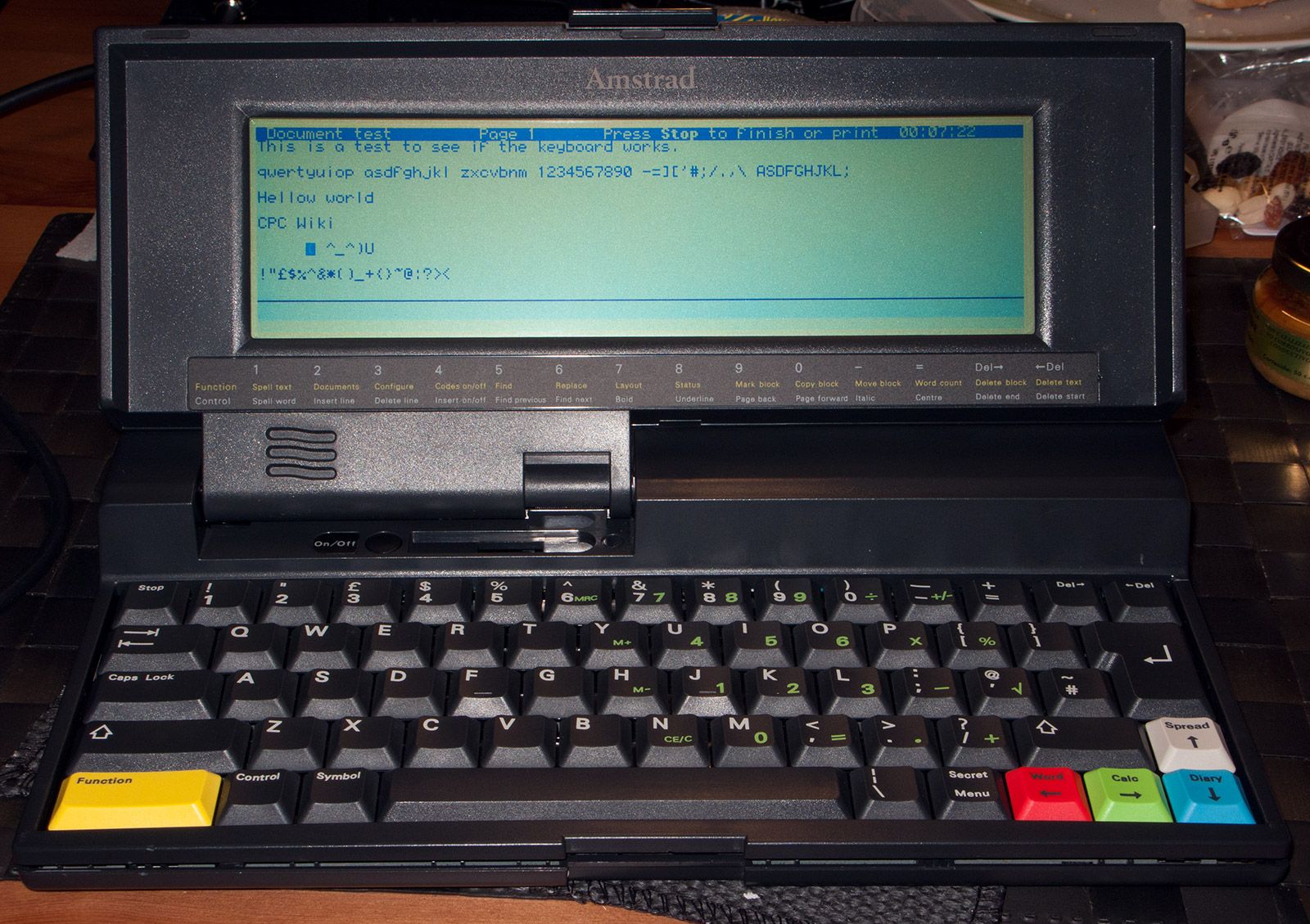
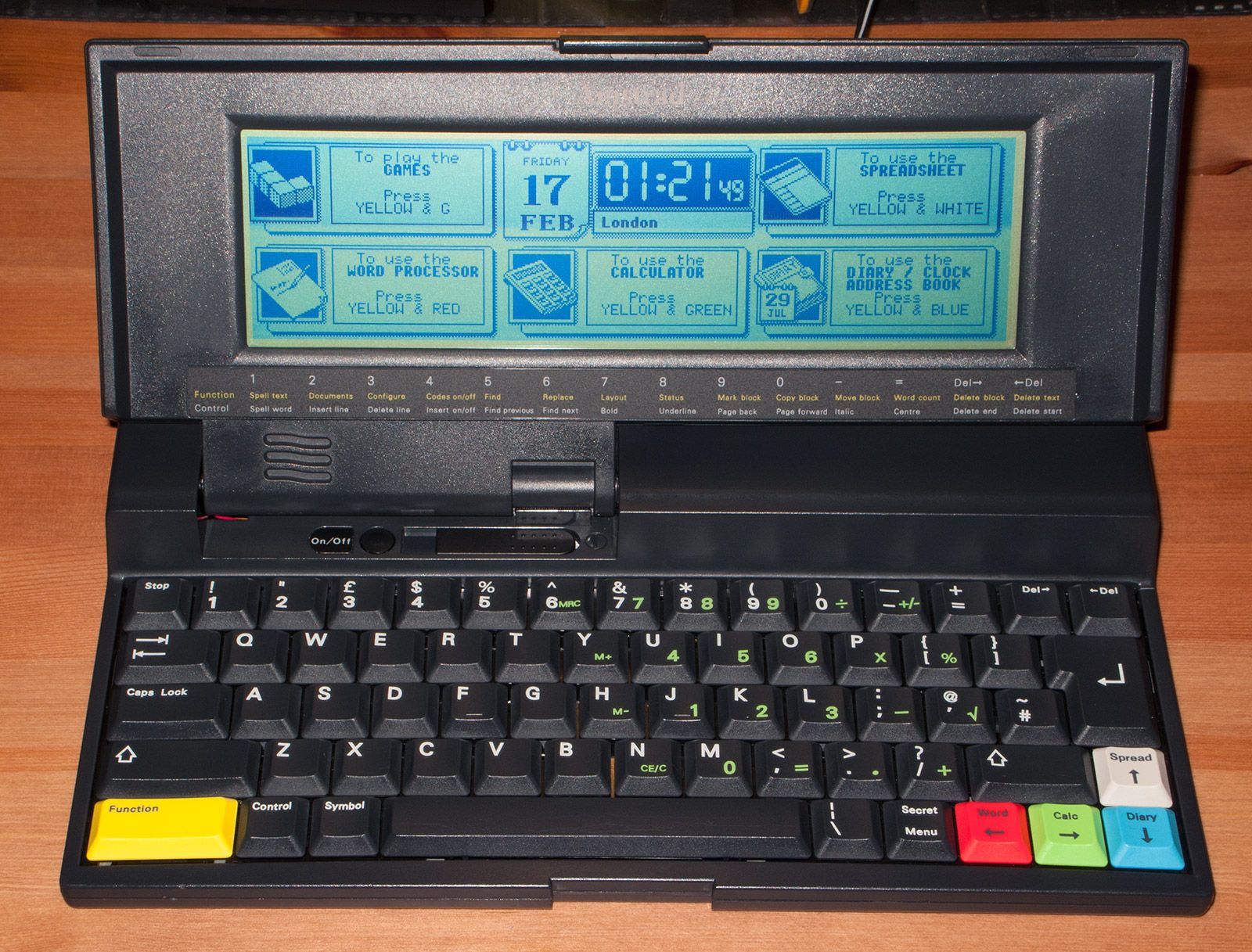
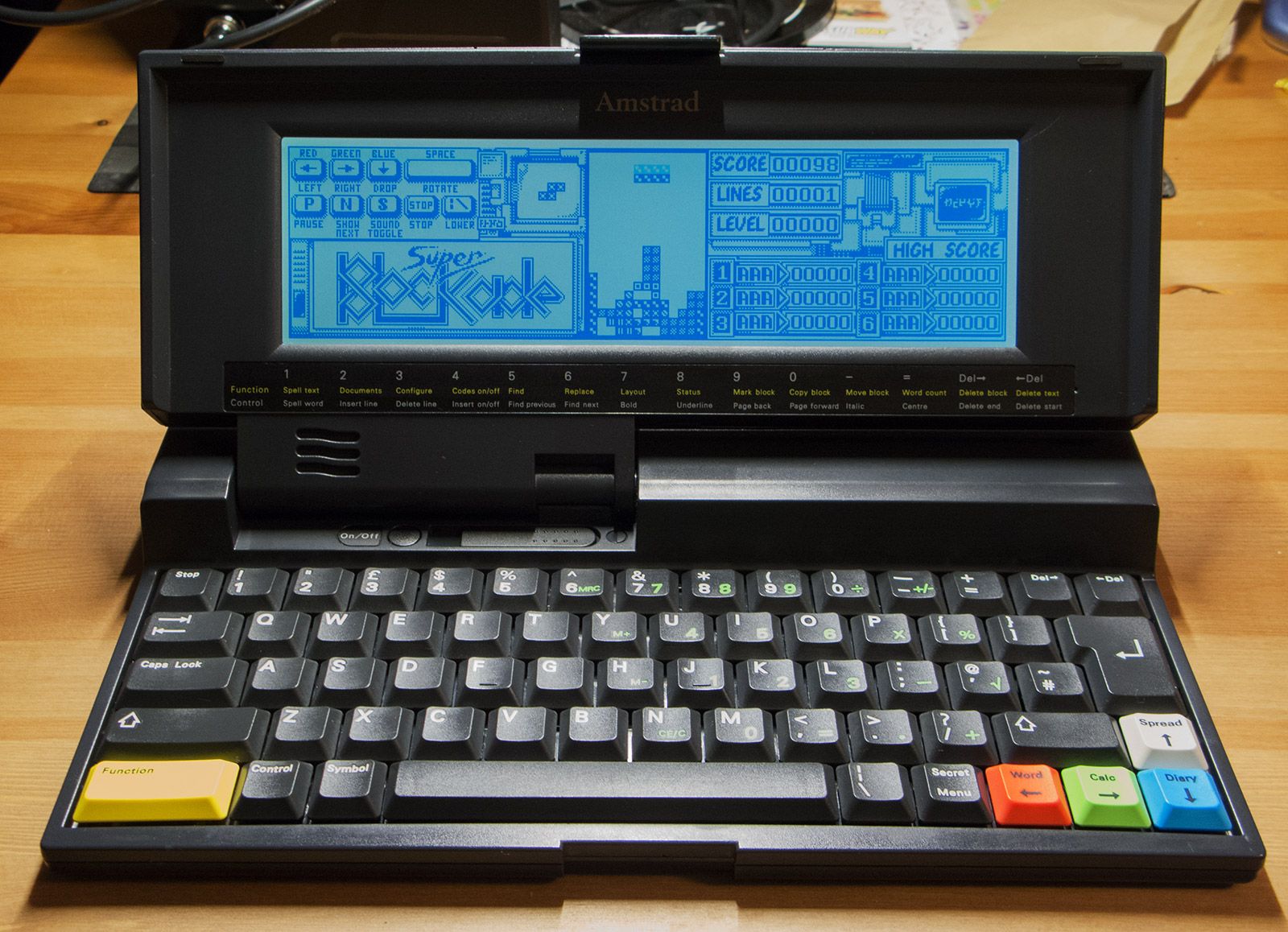
And here it is, happy and working! There was nothing extremely wrong with it, but quite a few little things.
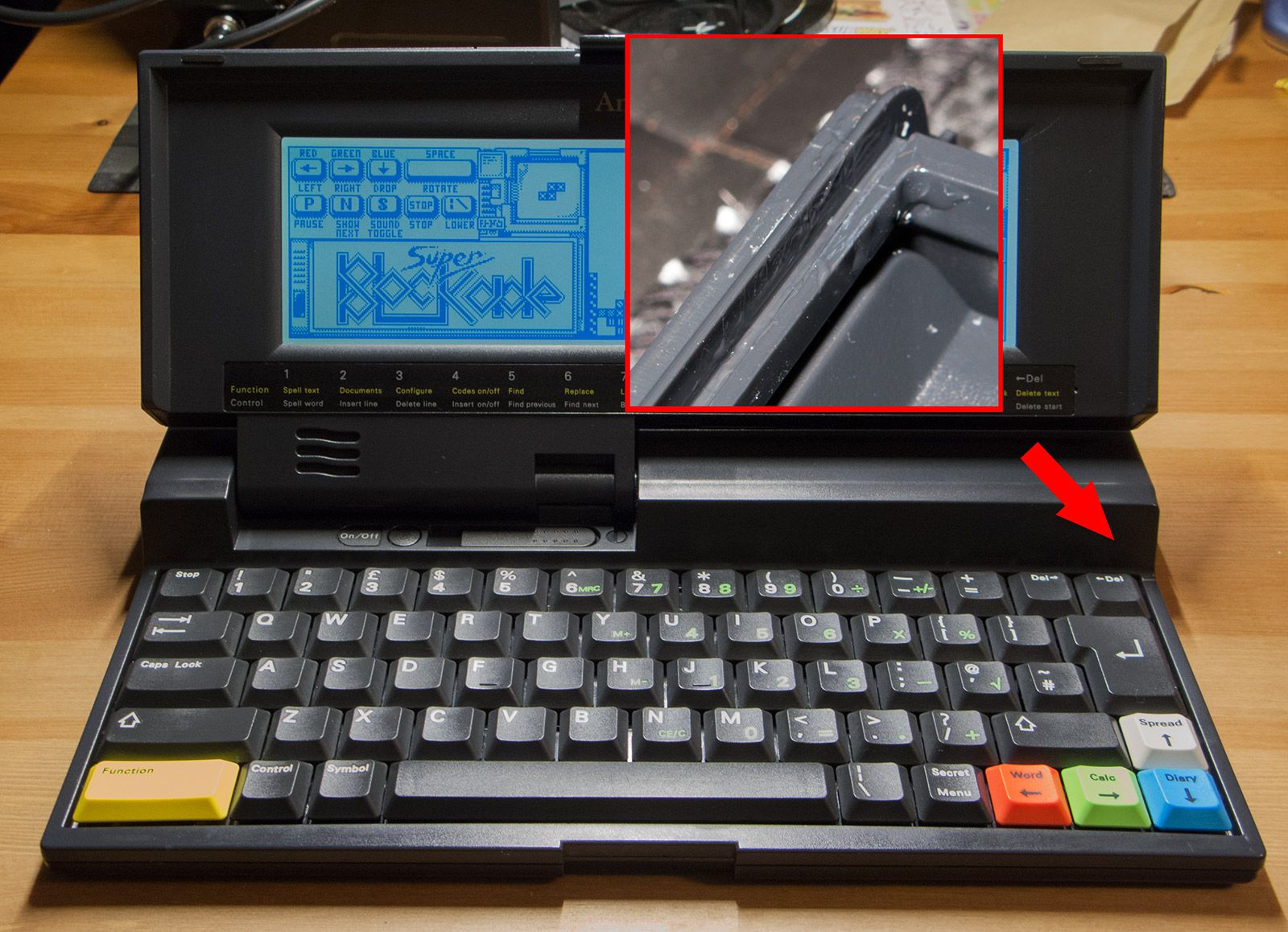
As I said at the beginning, there is something worth mentioning regarding the plastic used to make this computer. I found it not particularly robust when compared to a regular Amstrad CPC or Plus. My NC200 had a crack near the keyboard that I am sure appeared when somebody tried to open it in the past. There are also some small marks in the case because the same or other person introduced something in the gaps between the two shells, probably metallic, to separate them. I repaired the crack with epoxy and it is fine now but you really want to be careful when opening the laptop. What I did was to fill it with resin and add some extra epoxy around. It is all in the inner part of the shell and, therefore, not visible from the outside.
There is still a final tip: the NC200 needs 7.5V and 1A to run. There are many PSUs suitable for it but the polarity is reversed when compared to the CPC range. That is, outside you have the positive and inside the negative. This is written in the case of the machine but many people have burnt the internal fuse because of this. Keep it in mind and remember that if somebody sells on e-bay a not working unit this is possibly the case and most likely it can be repaired.